
The short answer
An ordinary video is mastered so that its whitest white matches the white of your screen — the same white as the app, the text and every other post. An HDR video is allowed to go past that. Its highlights carry values brighter than white, and a phone with an HDR display drives those pixels harder to show them.
So the video is not brighter because someone turned up the exposure. It is brighter because it is using a range of your display that the rest of the feed is not allowed to touch.


Simulated. On the screen you are reading this on, both halves are identical — an ordinary display has no extra brightness to give. This is how the difference reads on an HDR display.
Why the whole screen seems to change
To show those highlights, the phone raises the actual power going into the panel. It then lowers the level of everything that is not HDR, so the app and the rest of the feed stay the same apparent brightness. Done perfectly, you would only see the video get brighter. In practice the handover takes a moment, and that is the ramp people notice: a short surge as the video starts and a fade back when it leaves the screen.
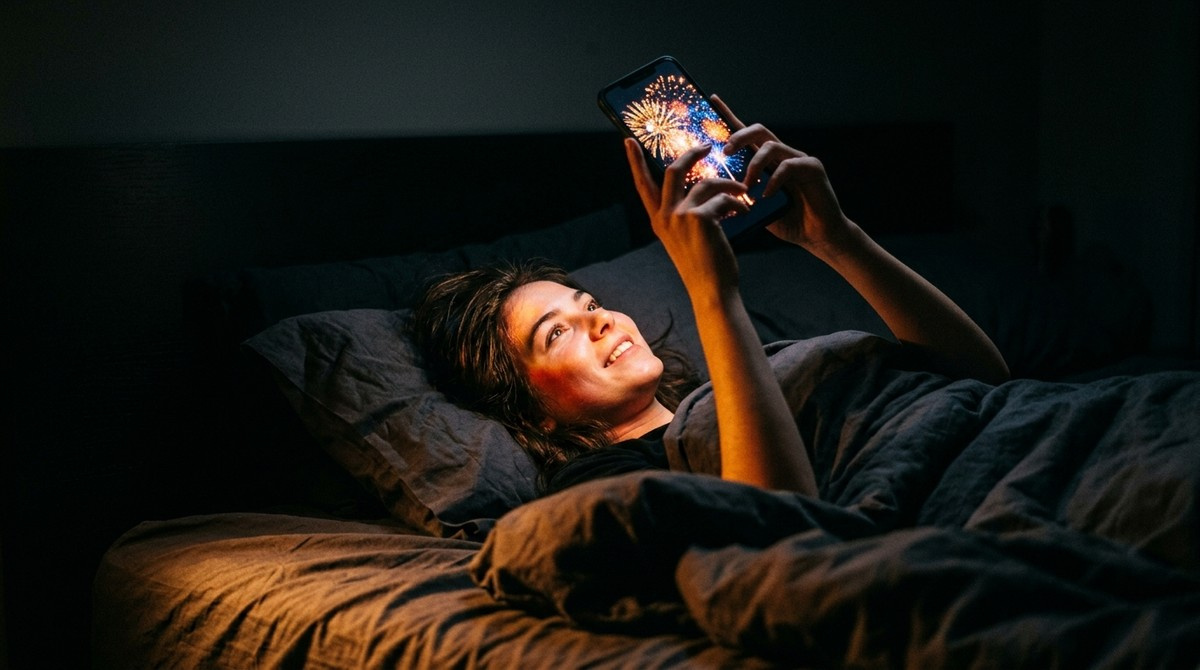
It is strongest in the dark, which surprises people. At a low brightness setting the phone has the most unused power in reserve, so an HDR video can jump furthest above the rest of the screen — exactly the situation of watching in bed at night. In direct sunlight with brightness already at maximum there is almost no reserve left, and the same video looks ordinary.
Where these videos come from
Mostly from phones, not from studios. iPhones from the 12 onward record HDR video by default, and many Android flagships do the same or offer it as a camera option. Most people posting a bright video did nothing deliberate — they filmed on a recent phone and uploaded the file as it was.
Some creators and advertisers do it on purpose, because a clip that outshines everything around it is hard to scroll past. The effect is the same either way.
Facebook, Instagram, YouTube and TikTok
All of the big apps can play HDR video on a capable phone, which is why the question comes up for each of them separately. They differ in which uploads keep HDR, which devices get it and how they re-encode it, and those details change from month to month. The underlying reason a video gets brighter is identical in every one of them.
YouTube is the one that tells you: an HDR video shows HDR next to the resolution in the quality menu. The others give no label at all, so the brightness jump is usually the first sign.
How to calm it down as a viewer
Instagram is the one app with a switch for it, and only on iPhone: Disable display of HDR media, under Media quality in the app's settings, then restart the app. For the others, what you can change is on your phone's side.
On an iPhone, Low Power Mode is widely reported to limit HDR playback, which removes most of the jump at the cost of everything else Low Power Mode does. The View Full HDR setting under Settings, Photos only affects the Photos app, not videos inside Instagram or Facebook.
On Android it depends on the maker. Samsung phones have a Video brightness option under Advanced features; other brands put an HDR or vivid-video setting under Display. If your phone has one, that is the setting to try first.
Turning brightness down does not reliably help, for the reason above: a lower setting leaves more reserve for HDR, so the jump can become more noticeable, not less.
If you are the one posting them
If your own videos come out brighter than you meant and you would rather they did not, switch HDR off in the camera before you film. On an iPhone it is under Settings, Camera, Record Video, HDR Video. This affects new recordings, not clips you already have.
If you want the effect on purpose, know what it costs. HDR video has no ordinary version hidden inside it: a player that cannot handle it has to convert it, and some do that badly, leaving the clip grey or washed out. An Ultra HDR photo does not have that problem — it is a normal JPEG with the extra brightness attached, so a viewer that ignores the extra data still shows a correct picture. For feed posts and ads, the photo route is the safer way to stand out.
Frequently asked questions
Why does my phone get brighter when I watch some videos?
Because those videos are HDR. The phone raises the power to the panel to show highlights brighter than normal white, and lowers everything else so the interface looks unchanged. The short surge you see is that adjustment happening.
How do I stop my iPhone from brightening videos?
In Instagram, turn on Disable display of HDR media under Media quality in its settings and restart the app. Other apps have no such switch; Low Power Mode is widely reported to limit HDR playback. The View Full HDR setting in Settings, Photos only affects the Photos app.
How do I stop Reels from getting brighter?
On an iPhone, turn on Disable display of HDR media under Media quality in Instagram's settings and restart the app. On Android the app has no such option, so use a video brightness or HDR setting on the phone if it has one.
Why do some videos on YouTube get brighter?
They were uploaded in HDR. YouTube shows HDR next to the resolution in the quality menu for those videos, and plays them with the extra brightness on phones and screens that support it.
Why is it worse at night?
At low brightness the phone has the most unused power in reserve, so an HDR video can rise furthest above the rest of the screen. In bright sunlight there is little reserve left and the effect nearly disappears.
Is it bad for my eyes or my battery?
It is brief and within what the display is designed for, but it can be uncomfortable in a dark room. It does use more power while the video plays, which is one reason Low Power Mode limits it.